
Remote Production Data Access: A Permission and Connectivity Test
Remote Production Data Access. Use a worked manufacturing test, exception checks and direct Optiwise workflow evidence before rollout.
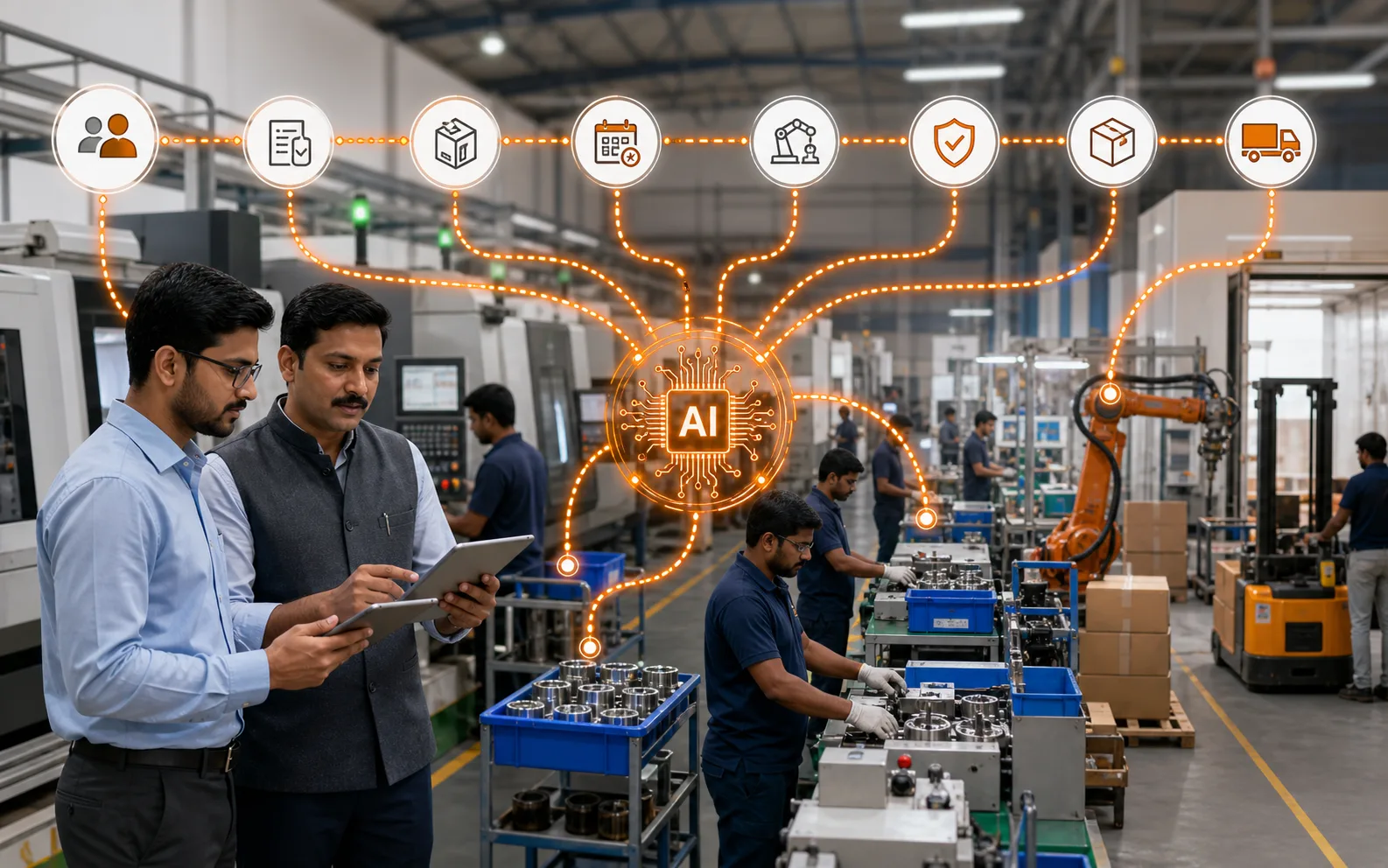
Remote Production Data Access: A Permission and Connectivity Test helps you give managers useful production visibility away from the plant without losing control. Start with one order, one item and one exception. A screen tour cannot prove that records stay connected when the work changes.
A production head checking from a phone should see the latest recorded output, downtime and shortage timestamp. The test must make stale data visible rather than showing yesterday’s status as live.
Start with the decision the system must support
Define which roles can see each record, how fresh it must be and what happens when the connection fails.
Optiwise provides role-specific workspaces and permissions. OptiEdge can buffer machine data during connectivity loss and resynchronize it; that device behavior is not a claim that the full ERP works offline.
Use CISA Cross-Sector Cybersecurity Performance Goals as an external reference for the relevant data or process model. It does not prove an Optiwise feature or a business result; the product statements above come from our current feature record.
| # | Input to prepare | Evidence to retain |
|---|---|---|
| 1 | Role and device type | Owner and last update |
| 2 | Required records and actions | Definition and source |
| 3 | Freshness timestamp and source | Acceptance rule |
| 4 | Connectivity and escalation rule | Exception owner |
Run one controlled workflow before expanding scope
- 1. Role and device type. Confirm who maintains it and which record is authoritative.
- 2. Required records and actions. Use the current value in the chosen test order.
- 3. Freshness timestamp and source. Record the pass condition before the demo begins.
- 4. Connectivity and escalation rule. Assign the person who resolves a mismatch.
Keep the first test small enough to reconcile by hand. When the system result differs from the source documents, stop and identify whether the problem is master data, timing, transaction ownership or configuration.
Test exceptions alongside the normal flow
- User loses network access
- Machine signal is buffered
- Role tries an unapproved action
For each exception, record the expected status, permitted action, approver and audit trail. A useful manufacturing system should make the exception visible without allowing an unapproved shortcut to rewrite history.
Verify the connected Optiwise workflow
Review workflow details, product capability, supporting guide, implementation context, connected process, book a demo. In the demo, ask us to execute the scenario with your roles and sample records. Confirm the source transaction, resulting status, notification or action, correction method and report before accepting the workflow.
Questions to ask before rollout
What should we test first?
Choose one current order with a known complication. Prepare the four inputs above, run the transaction sequence and reconcile the result with the source documents.
What result should we accept?
Accept the workflow only when the normal path and named exceptions leave a complete, role-appropriate record. Keep feature validation separate from a promised business outcome.
Yes, production data can be accessed from anywhere when the factory uses a connected ERP or production management system that captures live shop floor information and makes it available securely through web or mobile access. But remote access is useful only when the data is accurate, timely, and connected to real operations.
Many manufacturing owners and managers travel between plants, customer meetings, vendor visits, and offices. They cannot always stand on the shop floor to know what is happening. Without remote visibility, they depend on calls, messages, photos, and delayed reports. That may work for occasional updates, but it becomes weak when decisions are urgent.
Remote production monitoring helps answer: What is running now? Which orders are delayed? Which machine stopped? Is material available? Is quality holding any batch? Will dispatch happen today?
Remote Access Is More Than Viewing Reports
Some systems claim remote access because reports can be opened outside the factory. That is useful, but it is not enough.
True remote production visibility should show current operational status:
- Active work orders
- Line-wise production progress
- Planned versus actual output
- Machine downtime
- Material shortages
- Quality holds
- WIP status
- Dispatch readiness
- Shift performance
- Alerts and exceptions
The goal is not to replace the plant team. The goal is to give owners and managers enough visibility to support decisions without constant follow-up.
The Data Must Be Trusted
Remote access becomes frustrating if the data is stale or incomplete. If the dashboard says production is on track but the supervisor says otherwise, users will stop trusting the system.
To make remote access reliable:
- Production entries should be updated during the shift
- Material movement should be connected to inventory
- Quality holds should be recorded in the system
- Downtime should be captured with reasons
- Work orders should show real status
- Dispatch should update completed, packed, and shipped quantity
Remote access is only as strong as the discipline of data capture inside the factory.
What Owners Usually Want to See Remotely
Owners and senior managers do not need every transaction. They need a clear view of business-critical factory status.
Useful owner-level views include:
- Today's production target versus actual
- Orders at risk
- Machine stoppages
- Major downtime reasons
- Material shortages affecting production
- Quality holds affecting dispatch
- Pending purchase items linked to production
- Finished goods ready for dispatch
- Shift performance summary
- High-priority customer orders
This helps them ask better questions and act sooner when something needs attention.
Supervisors and Managers Need Role-Based Views
Remote access should not show everyone everything. Different roles need different views.
For example:
- Production manager: line status, work orders, delays, output
- Maintenance team: machine downtime, pending issues, preventive maintenance
- Quality team: inspection status, holds, rejections, rework
- Stores team: material issue status, shortages, stock availability
- Dispatch team: ready quantity, packed quantity, pending orders
- Owner: overall production, risk, performance, and exceptions
Role-based access improves usability and protects sensitive information.
Alerts Make Remote Access More Useful
A dashboard is useful when someone checks it. Alerts are useful when attention is needed immediately.
Remote alerts can notify managers about:
- Production falling behind schedule
- Critical machine downtime
- Urgent material shortage
- Quality hold on priority order
- Dispatch risk
- High rejection rate
- Job not started on time
- Preventive maintenance overdue
Alerts should be meaningful and severity-based. Too many notifications create noise. The best alerts help users decide when to intervene.
Mobile Access Helps, But Data Structure Matters More
Mobile access is convenient, but a mobile screen cannot fix poor data. The important thing is not only that the dashboard opens on a phone. The important thing is that the information is structured, current, and easy to understand.
A good mobile production view should be simple:
- What is on track?
- What is delayed?
- What needs approval?
- What needs escalation?
- What affects dispatch?
Detailed analysis can happen on desktop. Mobile should support quick decisions.
Security and Access Control Are Important
Remote access should be secure. Manufacturing data can include customer orders, pricing, production volume, vendor information, and business-sensitive operations.
A remote production system should support:
- User login
- Role-based permissions
- Controlled access to modules
- Secure cloud or server setup
- Audit trail for important actions
- Restricted editing rights
The goal is to make data available to the right people, not open to everyone.
Remote Visibility Helps Multi-Location Businesses
For companies with more than one plant, remote production visibility becomes even more important. Owners and central teams can compare performance across locations without waiting for manual reports.
Multi-location visibility can show:
- Plant-wise production
- Plant-wise downtime
- Material shortages by location
- Dispatch status by plant
- Quality issues by plant
- Capacity availability
- Order allocation options
This helps businesses make faster decisions about shifting work, prioritizing orders, or supporting a struggling plant.
Where AICAN Optiwise Fits
AICAN Optiwise helps manufacturers access connected production, inventory, quality, dispatch, and reporting data through a structured ERP system. This makes remote visibility more meaningful because users are not looking at isolated reports; they are looking at connected operations.
With Optiwise, teams can monitor production progress, work orders, delays, material readiness, quality holds, and factory performance with better clarity. Owners and managers can stay informed even when they are not physically present on the shop floor.
AICAN builds ERP for manufacturers who want practical control across daily operations. You can learn more about the company on the About AICAN page.
FAQ
Can I monitor my factory remotely?
Yes. With a connected ERP or production system, you can monitor work orders, production progress, machine downtime, inventory, quality, and dispatch status remotely.
What production data should be available remotely?
Remote views should include planned versus actual production, line status, delayed orders, downtime, material shortages, quality holds, dispatch readiness, and shift performance.
Is mobile access enough for factory visibility?
Mobile access is helpful, but the data must be accurate and connected. A mobile dashboard is useful only when shop floor data is updated properly.
Can remote access help owners make decisions faster?
Yes. Owners can see urgent delays, production risk, quality holds, and dispatch issues without waiting for calls or end-of-day reports.
Is remote production data secure?
It should be. A good system uses login, permissions, role-based access, and controlled editing rights so users only see what they are authorized to see.
Can ERP support multiple factory locations?
Yes. ERP can support multi-location visibility when production, inventory, quality, and dispatch data are captured by plant or location.
Founder’s Note
Owners should not have to call five people just to understand whether the factory is on track. At the same time, remote access should not become remote micromanagement. The point is clarity.
At AICAN, we believe good visibility gives leaders confidence. When they are away from the plant, they should still know what needs attention and what is running smoothly. That confidence comes from connected data, not from more messages.
Final Thought
Remote production access is valuable when it shows real operational truth: work orders, output, delays, quality, material, and dispatch status. It helps manufacturers make faster decisions and stay connected to the factory without being physically present every hour.
The real benefit is not just access from anywhere. It is control from anywhere.

Related Posts
A Manufacturing Alternative to SAP: Optiwise
Run your factory in Optiwise, a manufacturing alternative to SAP Business One with connected operations, AI agents and no-code workflows.
14 Jun 2026Read more →How Do I Know If My Manufacturing Business Really Needs an ERP?
A practical guide for manufacturers to identify when spreadsheets, manual follow-ups, and disconnected systems are no longer enough — and when ERP becomes an operational necessity.
14 Jun 2026Read more →Production Management System Optimized | Optiwise
Learn best practices for optimizing a production management system across planning, scheduling, material readiness, quality, and reporting.
12 Jun 2026Read more →
What Is the Best ERP for Pharmaceutical Manufacturing?
Learn how to choose the best ERP for pharmaceutical manufacturing, with guidance on batch control, quality workflows, traceability, inventory, documentation, and GMP discipline.
10 Jun 2026Read more →