
Daily Manufacturing Dashboard: See What Needs Action Today
See late orders, shortages, quality holds, job progress, dispatch risk and the next action in one connected Optiwise factory dashboard.

Start every morning with one answer: what needs attention before it delays an order, stops a machine or holds up cash? In Optiwise, your daily business view brings orders, material, production, quality, dispatch and finance into the same operating picture.
We recommend starting with exceptions rather than a long report. Show the late order, the missing material, the stock waiting for quality release, the job that has stopped moving and the dispatch that cannot leave. Give each exception an owner and a next action.
The morning view a factory owner needs
Your first screen should answer five practical questions:
- Which customer orders are at risk today?
- Which jobs are short of material or waiting for an issue?
- Which receipts or finished quantities are held for quality?
- Which dispatches are ready, partly ready or blocked?
- Which receivables, payables or approvals need a decision?
Optiwise dashboards can be composed around each user's responsibility. The owner sees the cross-company picture, while stores, purchasing, production and quality teams see the queues they can act on.
Follow one late order through the system
Suppose an order for 100 assemblies is due this week. The production job shows 62 complete. Stores has issued the planned material, but an extra issue request is still waiting. A purchased component has arrived only partly, and the received quantity remains on quality hold.
That order should appear as an exception, not as a vague red number. The owner can see the promised date, job progress and the open material problem. Stores sees the material request. Quality sees the pending inspection. Purchasing sees the balance still due from the supplier. The next decision is clear: release the accepted quantity, expedite the balance or revise the production promise.
This is the value of one connected factory system. The same records move from quotation and material planning through purchase, production, quality and dispatch, so the daily view points back to the work that must be finished.
Show material that is available but not usable
A stock balance alone can be misleading. Material may be physically inside the factory but unavailable because it is waiting for inspection, reserved for another job or still held by a subcontractor.
Optiwise separates those conditions. Your morning view can surface minimum-stock alerts, purchase orders due, partial receipts, stock on quality hold and material requests waiting for issue. For outside processing, it can also show material sent to the subcontractor, extra issues, consumption and the balance still with the vendor.
The next action depends on the record. Purchasing follows up a late balance. Quality completes the inspection. Stores issues approved stock. Production reschedules only when the shortage is real.
Make quality holds visible before dispatch
Production complete does not always mean ready to ship. Optiwise routes pending quality-control work to the quality team's dashboard. Inspection parameters can be defined for the item or process, and the result becomes part of the operating record.
If 40 pieces pass, 8 require rework and 2 are rejected, the digest should not simply show 50 finished. It should show what can move, what must return to production and what cannot be promised to the customer. Dispatch then works from released quantity instead of assumptions.
Use machine data where it changes a decision
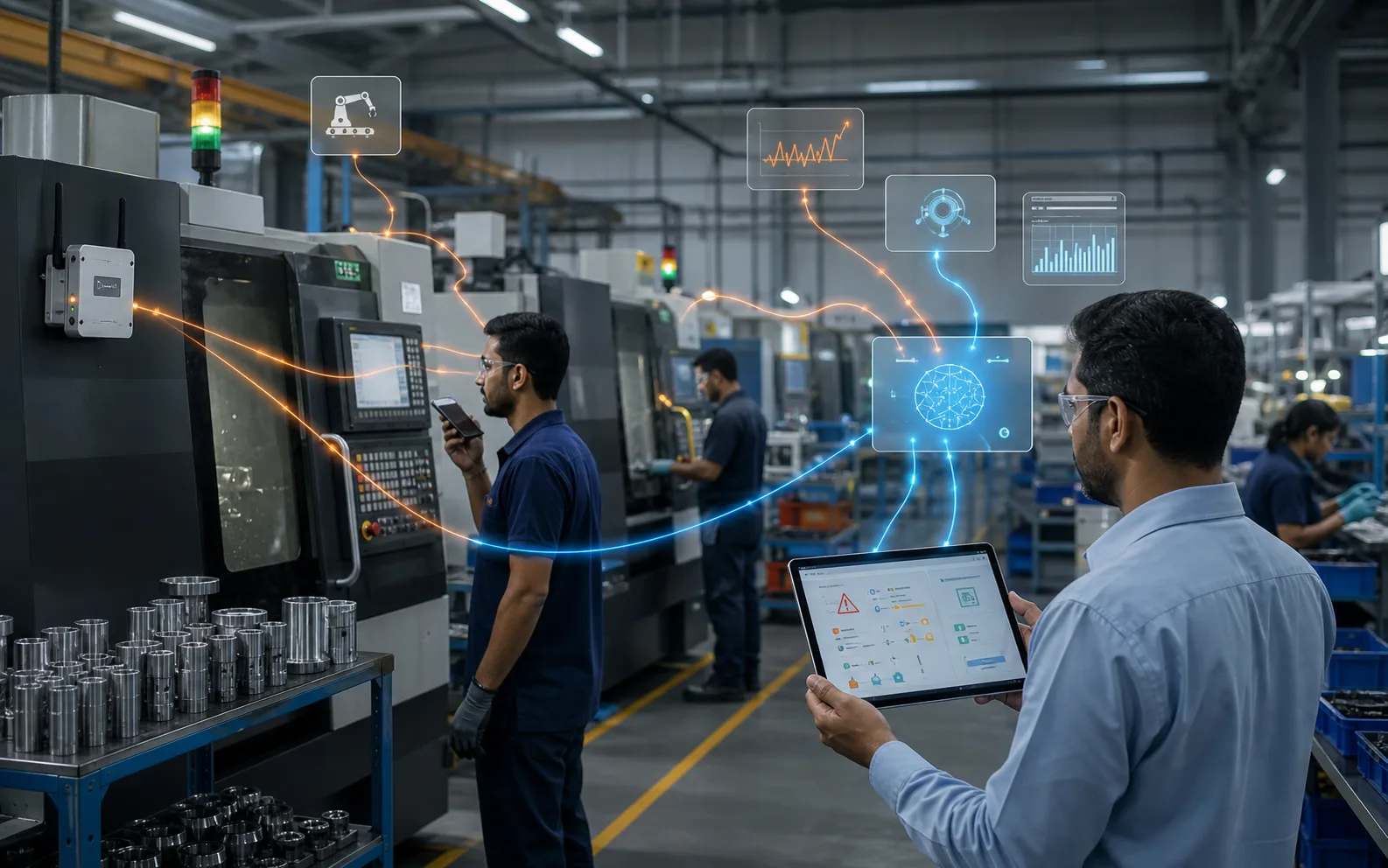
For connected machines, Optiwise IoT tools can collect runtime, downtime, cycle and production signals automatically. Machine dashboards show assigned jobs and production details, while production dashboards show performance and failures.
Machine data belongs in the morning digest when it explains a delay or changes the next decision. A downtime alert may send maintenance to a machine, while slow job progress may cause the planner to move work or change the dispatch sequence. The point is action, not a wall of charts.
Keep the digest short and role based
The owner does not need every transaction. The team responsible for an exception needs the underlying record. We configure the main dashboard around the decisions each role owns and let the user open the source document when more detail is needed.
This approach also makes performance measures easier to interpret. NIST's smart manufacturing work is useful background on using production data for better decisions, but your daily view should still use the few measures that lead to a real decision in your factory.
Build the first Optiwise morning view
Bring one late order, one shortage, one quality hold and one pending dispatch to an Optiwise demo. We will show how the records connect and which dashboard each role needs. Optiwise implementation costs ₹0; subscription charges, optional add-ons and IoT hardware are separate.
Questions factory owners ask
What should a daily manufacturing digest show?
Show order risk, job progress, real material shortages, quality-held stock, dispatch readiness and the financial or approval decisions that need action today.
Can each department have a different view?
Yes. Optiwise dashboards can be composed around user responsibilities, so owners see the whole factory while each team sees its own work queue.
Does Optiwise use machine data in the dashboard?
Where IoT devices are connected, Optiwise can collect machine and production signals and show them with assigned jobs and production performance.

Related Posts
Is AI Worth the Investment for My Factory?
Learn how to decide if AI is worth the investment for your factory by evaluating use cases, data readiness, costs, risks, ROI, and operational impact.
13 Jun 2026Read more →Manufacturing AI Mistakes to Avoid Before You Start
List manufacturing AI mistakes and controls for unclear use case, messy data, unsafe automation, no owner, weak security and unreviewed recommendations.
13 Jun 2026Read more →What's the Difference Between AI and Regular Automation?
Understand the difference between AI and regular automation in manufacturing, with practical examples for workflows, decisions, alerts, and predictive operations.
13 Jun 2026Read more →What Are the Risks of Using AI in Manufacturing?
Understand the risks of AI in manufacturing, including bad data, wrong recommendations, safety issues, security, job fear, over-automation, and implementation failure.
13 Jun 2026Read more →