
How to Digitize a Factory: A Transaction-First Roadmap
How to Digitize a Factory. Use a worked manufacturing test, exception checks and direct Optiwise workflow evidence before rollout.
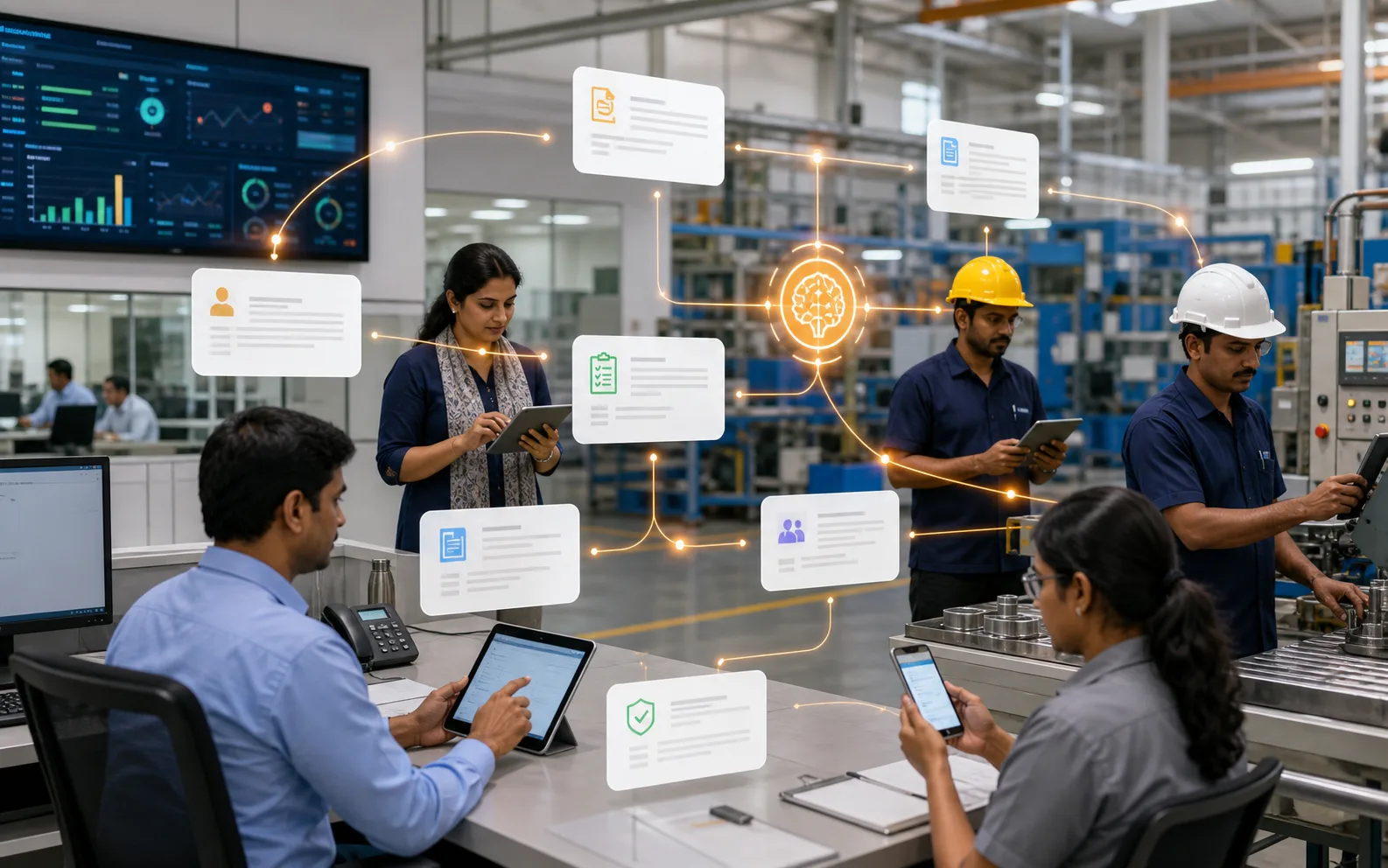
How to Digitize a Factory: A Transaction-First Roadmap helps you replace disconnected records without attempting every department at once. Start with one order, one item and one exception. A screen tour cannot prove that records stay connected when the work changes.
Start with one purchased component and one production order: PO, receipt, quality hold, accepted stock, issue, operation output, finished receipt and dispatch. Reconcile the physical and digital quantities at each handoff.
Start with the decision the system must support
Choose one order flow, make its masters reliable and prove every transaction and exception before expanding.
Optiwise connects sales, purchasing, inventory, production and quality records. No-code forms and modules can extend the controlled workflow without creating another isolated system.
Use ISA-95 enterprise and control-system model as an external reference for the relevant data or process model. It does not prove an Optiwise feature or a business result; the product statements above come from our current feature record.
| # | Input to prepare | Evidence to retain |
|---|---|---|
| 1 | Named pilot product and order | Owner and last update |
| 2 | Item, UOM, BOM and routing masters | Definition and source |
| 3 | Transaction owners by role | Acceptance rule |
| 4 | Opening stock and open-order cut-off | Exception owner |
Run one controlled workflow before expanding scope
- 1. Named pilot product and order. Confirm who maintains it and which record is authoritative.
- 2. Item, UOM, BOM and routing masters. Use the current value in the chosen test order.
- 3. Transaction owners by role. Record the pass condition before the demo begins.
- 4. Opening stock and open-order cut-off. Assign the person who resolves a mismatch.
Keep the first test small enough to reconcile by hand. When the system result differs from the source documents, stop and identify whether the problem is master data, timing, transaction ownership or configuration.
Test exceptions alongside the normal flow
- User keeps a shadow spreadsheet
- Emergency issue bypasses approval
- Opening stock does not reconcile
For each exception, record the expected status, permitted action, approver and audit trail. A useful manufacturing system should make the exception visible without allowing an unapproved shortcut to rewrite history.
Verify the connected Optiwise workflow
Review workflow details, product capability, supporting guide, implementation context, connected process, book a demo. In the demo, ask us to execute the scenario with your roles and sample records. Confirm the source transaction, resulting status, notification or action, correction method and report before accepting the workflow.
Questions to ask before rollout
What should we test first?
Choose one current order with a known complication. Prepare the four inputs above, run the transaction sequence and reconcile the result with the source documents.
What result should we accept?
Accept the workflow only when the normal path and named exceptions leave a complete, role-appropriate record. Keep feature validation separate from a promised business outcome.
You digitize a factory by mapping the real workflow, cleaning master data, moving core processes into ERP, connecting inventory and production, adding quality and maintenance records, building dashboards, and then adding IoT or automation where it solves a clear problem. Factory digitization should be practical, phased, and tied to business outcomes.
Many factories make digitization harder than it needs to be. They either start too broadly and overwhelm the team, or start too narrowly with disconnected apps that do not change daily operations. The better approach is to build one connected operating system step by step.
AICAN Optiwise helps manufacturers digitize inventory, production, purchase, quality, maintenance, dispatch, finance, and reporting in a way that matches factory operations.
Start by mapping the current workflow
Before software, understand the factory flow.
Map:
- Enquiry or sales order
- Purchase planning
- Raw material receipt
- Inventory issue
- Production planning
- Shop-floor stages
- Quality checks
- Rework or rejection
- Finished goods
- Dispatch and invoicing
- Finance and reporting
This shows where data is created, where it gets lost, and where delays happen.
Clean master data
Factory digitization fails when item names, BOMs, units, customers, suppliers, and process names are messy.
Clean:
- Item codes
- Units of measure
- BOMs
- Process stages
- Customer and supplier data
- Machine or work center list
- Quality parameters
- Stock locations
Clean master data makes ERP easier to use and reports more reliable.
Digitize core operations first
Start with the workflows that create the most daily pain.
Common first modules include:
- Inventory
- Purchase
- Sales order
- Production planning
- Production tracking
- Quality checks
- Dispatch
- Finance integration
This creates operational control before adding advanced automation.
Add quality and maintenance discipline
Digitization should not stop at stock and billing. Quality and maintenance often create hidden losses.
Track:
- Inspection results
- Defect reasons
- Rework
- Rejection
- Corrective actions
- Machine breakdowns
- Preventive maintenance
- Spare parts
This helps factories improve performance rather than only record transactions.
Build dashboards for decisions
A factory digitization project should give owners and managers useful visibility.
Dashboards should show:
- Orders pending
- Material shortages
- Stage-wise production
- Quality holds
- Rework and rejection
- Machine downtime
- Dispatch readiness
- Cost and profitability signals
Good dashboards reduce follow-up pressure and improve daily review.
Add IoT where it solves a real problem
IoT should come after the factory knows what problem it wants to solve.
Useful IoT use cases include:
- Machine downtime monitoring
- OEE tracking
- Energy monitoring where relevant
- Remote machine visibility
- Environmental monitoring
- Production count capture
IoT works best when connected to ERP context.
How Optiwise supports the digitisation workflow
Optiwise can help manufacturers digitize operations in phases across inventory, purchase, production, quality, maintenance, dispatch, finance, and dashboards.
A practical implementation can focus on:
- Workflow mapping
- Master data cleanup
- ERP implementation
- Production visibility
- Quality and maintenance tracking
- Dashboards
- IoT integration where needed
AICAN helps factories digitize with an operations-first approach.
Founder’s Note
Factory digitization is not about making everything look modern. It is about reducing confusion, improving control, and helping people make better decisions every day. At AICAN, we believe the right roadmap starts with real workflow, clean data, and practical adoption. Learn more at About AICAN.
FAQs
How do I digitize my factory?
Map your workflow, clean master data, implement ERP for core operations, add quality and maintenance tracking, build dashboards, and add IoT where it solves clear problems.
What should I digitize first?
Start with inventory, purchase, sales orders, production tracking, quality checks, dispatch, and finance reporting.
Is IoT required for factory digitization?
No. IoT is useful, but ERP and process discipline should come first for many factories.
Why does factory digitization fail?
It often fails because of poor master data, unclear processes, weak adoption, disconnected tools, and trying to automate before standardizing.
How can AICAN help factory digitization?
AICAN Optiwise can help manufacturers connect ERP, production, inventory, quality, maintenance, dispatch, finance, dashboards, and IoT where needed.

Related Posts

Kanban System | Optiwise
Learn how a Kanban system works in manufacturing, where it helps, where it fails, and how Optiwise connects Kanban signals with inventory, purchase, and production planning.
12 Jun 2026Read more →Erp In Operations Management | Optiwise
Learn how ERP improves operations management by connecting planning, inventory, purchase, production, quality, dispatch, finance, and reporting.
12 Jun 2026Read more →ERP for FMCG Companies in India
A practical guide to ERP for FMCG companies in India, covering distributor orders, batch tracking, expiry, inventory, production, schemes, costing, and reporting.
11 Jun 2026Read more →Optiwise, Odoo, Acumatica and Business Central for Manufacturing
Compare manufacturing workflows in Optiwise, Odoo, Acumatica and Dynamics 365 Business Central. See what your factory can run in Optiwise.
11 Jun 2026Read more →