
IoT Pilot Projects: Start Small With One Machine Family
Run an IoT pilot on one machine family with baseline data, acceptance criteria, daily owner, decision gate and rollback.
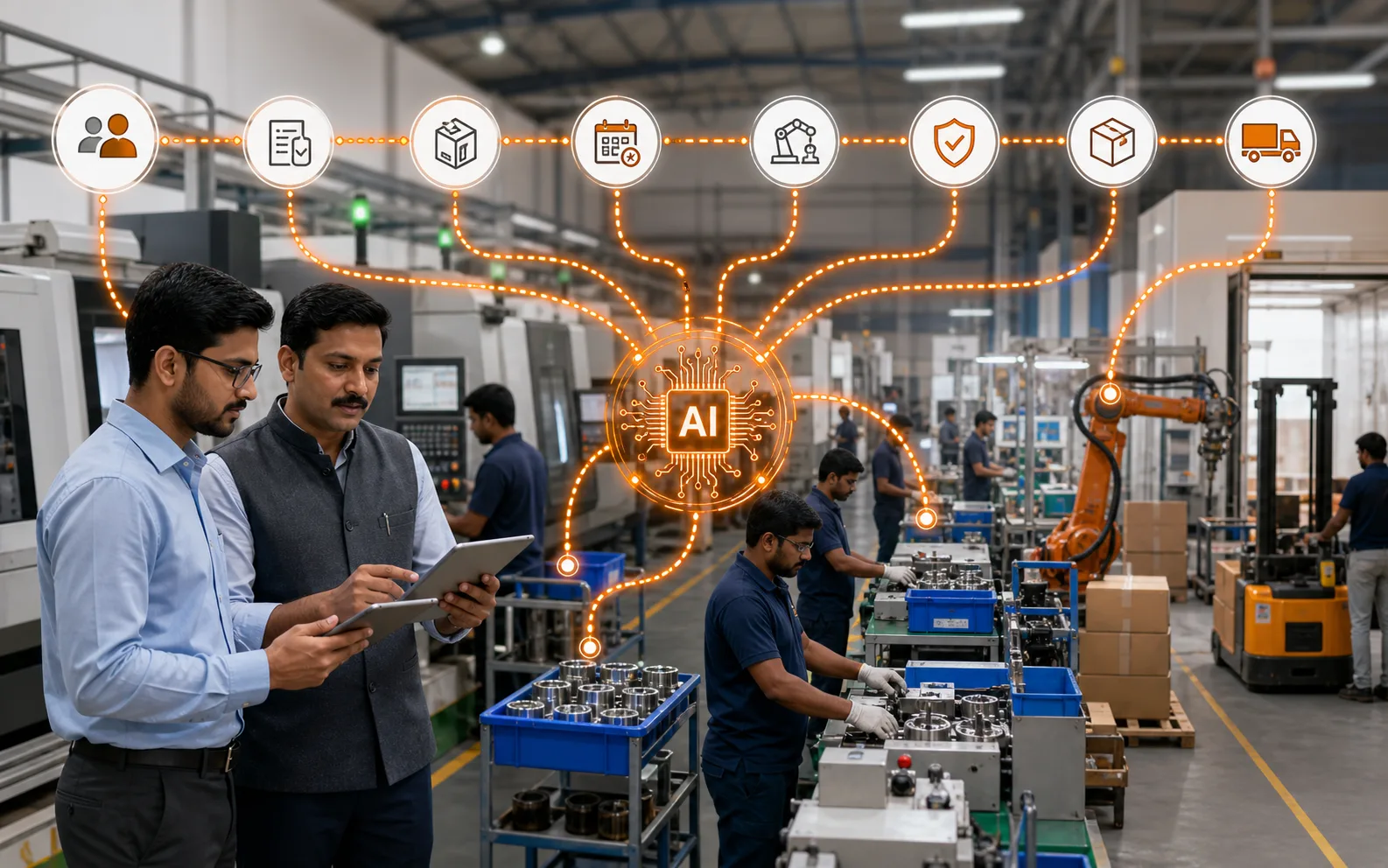
The fastest IoT projects usually start smaller than people expect. A pilot should prove that data can be captured, trusted and used for a decision. It should not attempt to connect every machine, every dashboard and every department in the first phase.
Optiwise pilots are strongest when the machine signal is tied to production action. Runtime, downtime, cycle variation, energy or machine condition should change what the planner, supervisor or maintenance owner does next.
Direct answer
A good IoT pilot starts small: one machine family, a baseline window, a daily owner, data-quality acceptance rules and a clear decision at the end.
Factory example
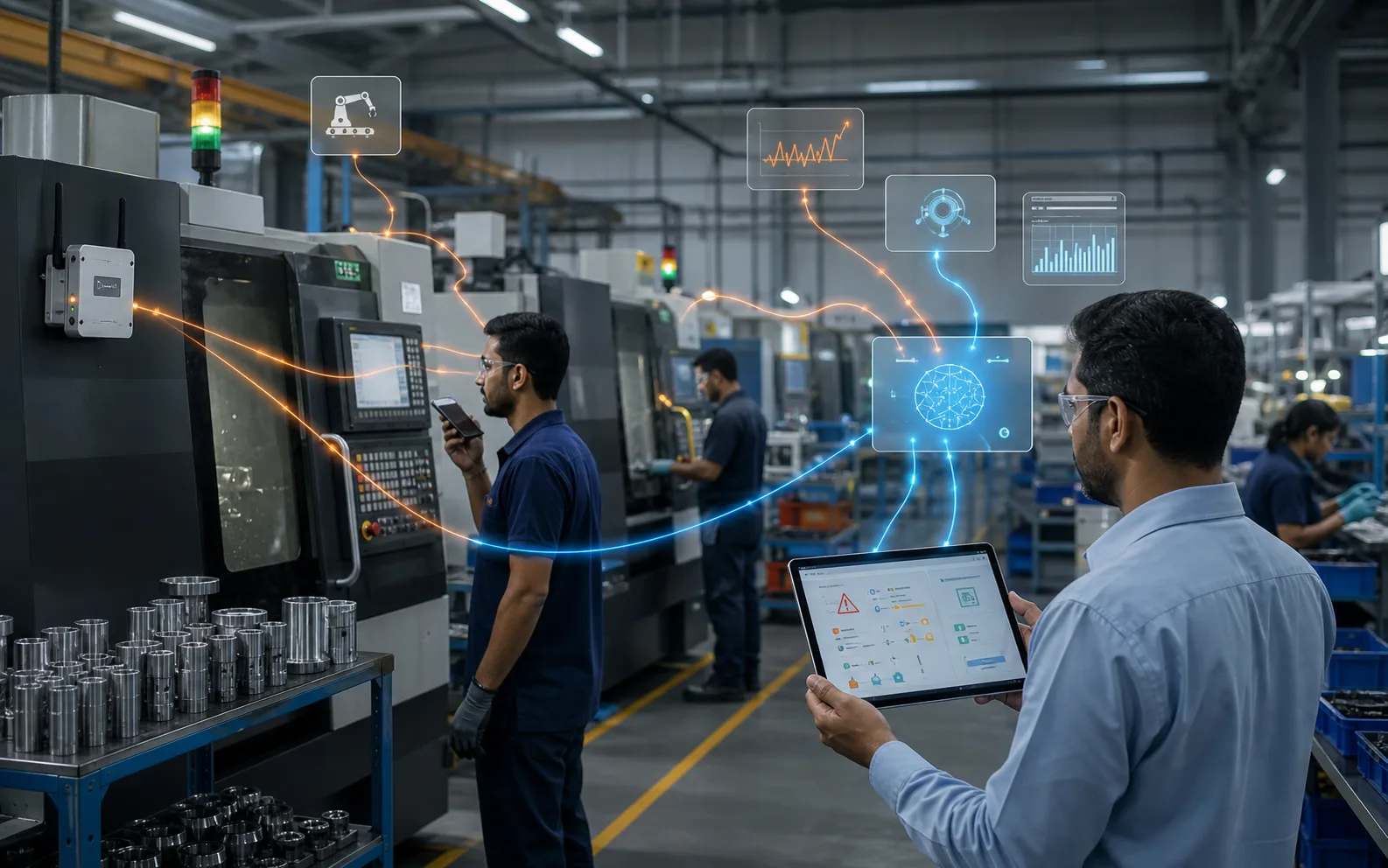
A machining cell chooses five similar machines for a pilot. The baseline shows frequent idle time after tool changes. The pilot succeeds only if the system captures stop time with acceptable gaps and the supervisor uses the report in the daily meeting.
Implementation path in Optiwise
- Set baseline, scope and acceptance rules.
- Assign a daily review owner.
- Use the decision gate to scale, adjust or stop.
Worksheet for your factory
Use this as the working checklist before you change software settings, write SOPs or ask the team to follow a new report.
| Record | What to capture | Why it matters |
|---|---|---|
| Pilot scope | One machine family or one bottleneck line | Limits installation and training effort |
| Baseline window | One to four weeks of current performance | Creates a comparison point |
| Signal list | Running, idle, stop, power, cycle or vibration | Keeps data collection focused |
| Data-quality rule | Allowed gaps, timestamp accuracy and manual correction rule | Defines trust before rollout |
| Daily owner | Supervisor, maintenance or planner | Ensures someone uses the report |
| Decision gate | Continue, change scope, scale or stop | Prevents endless pilot mode |
How Optiwise supports this workflow
- Use OptiEdge to capture and process machine signals at the edge.
- Buffer machine data during network interruptions and reconcile gaps after reconnect.
- Connect pilot data to production dashboards, downtime views and action records.
- Use AI queries to find recurring stoppage patterns after enough clean data exists.
Explore the connected Optiwise workflows for production, inventory, purchasing, quality, IoT, and AI agents.
Checks before you use the number for decisions
- Confirm the owner of the record and the person who reviews exceptions.
- Write the unit of measure, time period and source system beside every number.
- Mark missing, stale or manually corrected data instead of hiding it inside the final score.
- Keep approval evidence for changes that affect stock, production, quality or customer commitments.
Reference source
For general manufacturing ERP and MRP context, compare this workflow with Deskera MRP resources, then adapt the records to your own factory process.
FAQs
How long should an IoT pilot run?
Run long enough to cover normal product mix and shift variation. For many factories, two to four weeks gives a better signal than a two-day demo.
What should make a pilot fail?
A pilot should fail fast if signal access is unreliable, data quality cannot be verified or the report does not change a daily decision.

Related Posts
Is AI Worth the Investment for My Factory?
Learn how to decide if AI is worth the investment for your factory by evaluating use cases, data readiness, costs, risks, ROI, and operational impact.
13 Jun 2026Read more →Manufacturing AI Mistakes to Avoid Before You Start
List manufacturing AI mistakes and controls for unclear use case, messy data, unsafe automation, no owner, weak security and unreviewed recommendations.
13 Jun 2026Read more →What's the Difference Between AI and Regular Automation?
Understand the difference between AI and regular automation in manufacturing, with practical examples for workflows, decisions, alerts, and predictive operations.
13 Jun 2026Read more →What Are the Risks of Using AI in Manufacturing?
Understand the risks of AI in manufacturing, including bad data, wrong recommendations, safety issues, security, job fear, over-automation, and implementation failure.
13 Jun 2026Read more →