
Train Your Team on AI Production Planning With Four Controlled Drills
Train Your Team on AI Production Planning With Four Controlled Drills. Use a worked factory scenario, explicit inputs and exception checks before rollout.
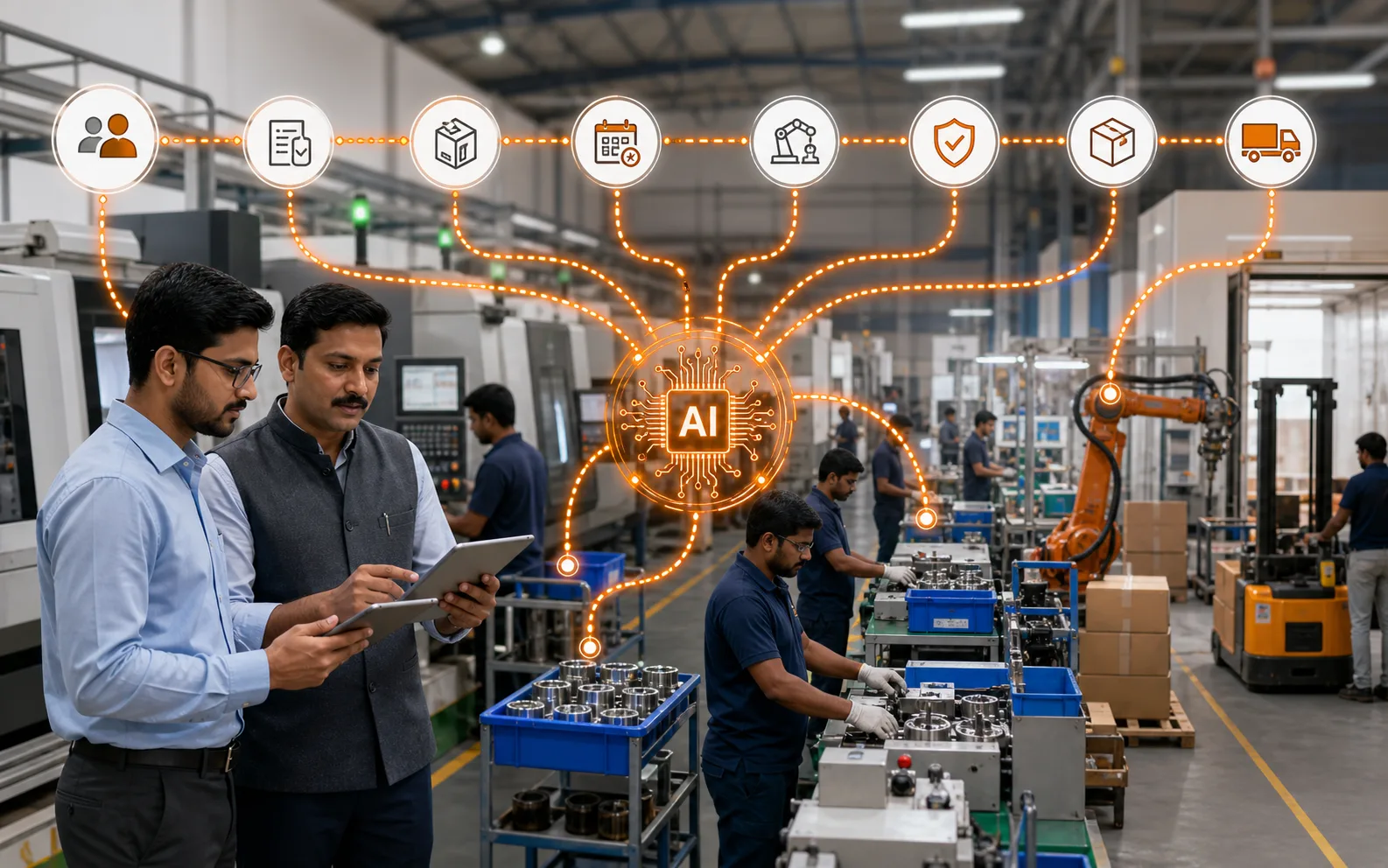
Train Your Team on AI Production Planning With Four Controlled Drills gives you a practical way to train planners to use recommendations without surrendering operational judgment. Use a representative order, the real roles who perform the work and at least one difficult exception.
The system flags a due order with a material shortage and a loaded machine. The planner must inspect the source records, accept or change the proposed action, assign an owner and explain the decision in the order history.
Make the decision before choosing the screen
Train the team on source checks, permission boundaries, approval decisions and recovery from stale or incomplete data before measuring speed.
Our AI agents work on connected sales, production, purchasing, inventory and task records; permissions control the records and actions available to each user.
NIST AI Risk Management Framework is the external process or control reference for this guide. It does not prove an Optiwise feature or a business result; our product statements come from our current product record.
| Step | Required input | Evidence to capture |
|---|---|---|
| 1 | Representative order and due date | Named owner and definition |
| 2 | BOM, stock and open supply | Current source record |
| 3 | Capacity and existing jobs | Acceptance rule |
| 4 | Recommendation, reason and approver | Correction and escalation |
Run the workflow with accountable roles
- 1. Representative order and due date. Name the role that owns this record and decision.
- 2. BOM, stock and open supply. Use a current value from the representative order.
- 3. Capacity and existing jobs. Write the passing condition before the test.
- 4. Recommendation, reason and approver. Assign correction and escalation responsibility.
Reconcile the result by hand. When the system differs from the source record, classify the gap as master data, timing, transaction ownership, permissions or configuration before changing the process.
Test the exceptions that disrupt a normal day
- Source data is stale: record the expected status, permitted action, approver, correction path and audit evidence.
- Two urgent orders compete: record the expected status, permitted action, approver, correction path and audit evidence.
- The suggested action exceeds a user’s permission: record the expected status, permitted action, approver, correction path and audit evidence.
A quick normal transaction is useful. A controlled exception shows whether the workflow can survive real factory conditions.
Connect this task to the operating workflow
review the first product workflow, check the connected module, prepare the supporting records, see the control step, read the related guide. Book a connected Optiwise demo and ask us to run your scenario with the normal path, exception and correction.
Questions to settle during the demo
What should we prepare?
Prepare one representative order, the four inputs above and one complication your team encounters today. You can remove confidential values while keeping the record relationships intact.
What is a passing result?
Accept the workflow when the normal path and exceptions leave a complete, role-appropriate record another person can reconcile. Validate the configured capability separately from any promised commercial or operational outcome.
To train your team on AI production planning tools, focus on real planning work: orders, materials, capacity, schedule changes, shortages, quality holds, and dispatch commitments. Your team does not need abstract AI theory. They need to know how the tool changes daily planning decisions.
AI for production planning succeeds when planners, stores, purchase, production, quality, and management all understand how their updates affect the schedule. Planning is cross-functional, so training cannot be limited to one person.
The best training makes the system part of the factory’s rhythm.
Start With the Planning Problem
Before showing software, explain the pain the tool is meant to solve. Is the goal fewer material delays, faster schedules, better order visibility, improved delivery, or less manual follow-up?
People learn faster when they understand why the change matters.
Train by Role
Production planners need scheduling, capacity, and exception handling. Stores need stock accuracy. Purchase teams need material risk and supplier updates. Production supervisors need status updates. Quality teams need hold and release visibility. Management needs reports and decision views.
Each role should learn only what it needs first.
Use Real Orders and Materials
Training should use actual factory orders, BOMs, stock examples, shortages, and schedule changes. Generic examples do not create confidence.
Real scenarios help users understand consequences.
Build Internal Champions
Select a planning champion, stores champion, purchase champion, and production champion. Train them deeply so they can support others during adoption.
Champions reduce dependence on external support.
Review Adoption After Go-Live
Track whether users update data on time, alerts are reviewed, schedules are trusted, and old spreadsheets are reduced. Run refresher training where mistakes repeat.
Training continues after go-live.
How Optiwise Supports the Workflow
AICAN Optiwise supports AI production planning through connected workflows across production, inventory, purchase, sales, finance, reporting, IoT readiness, and AI. This allows training to follow the actual flow of factory planning.
Explore AICAN Optiwise and About AICAN to learn more.
Founder’s Note
AICAN’s founder-led belief is that training should respect the pressure planners carry. The system should reduce confusion, not add another layer of work. Good training makes users confident enough to trust the workflow.
Planning improves when every department understands its role.
FAQ
Who should be trained on AI planning tools?
Planners, stores, purchase, production, quality, dispatch, supervisors, and management should be trained based on their role.
How long does training take?
Initial training may take a few sessions, but adoption support during the first 30 to 60 days is important.
What should training focus on?
Material readiness, capacity, schedule alerts, data updates, exception handling, and reporting.
How do we know training worked?
Users update data on time, planners trust the system, alerts are closed, and manual parallel planning reduces.
Final Thought
Training for AI production planning should be practical, role-based, and repeated. Teach the real planning decisions, and the tool becomes much easier to adopt.
Next step: Explore AICAN Optiwise to train your team around connected production planning workflows.

Related Posts

Will AI Create More Jobs Than It Destroys?
Explore whether AI will create more jobs than it destroys, with a practical view of manufacturing, automation, new roles, reskilling, and business transformation.
13 Jun 2026Read more →Manufacturing AI vs. Hiring More Workers
Compare manufacturing AI with hiring more workers and learn when automation, better systems, training, or additional people are the right answer.
7 Jun 2026Read more →Will AI Replace My Production Planning Job?
Understand how AI affects production planning jobs, what tasks may change, and how planners can become more valuable with AI-supported scheduling and visibility.
6 Jun 2026Read more →Do I Need Special Skills to Use AI in Manufacturing?
Learn what skills manufacturing teams need to use AI, including process knowledge, data discipline, prompt clarity, review judgment, ERP understanding, and change readiness.
6 Jun 2026Read more →